Aloud: Do work aloud
[01]Most of us have a folder that grows faster than we read it: meeting notes, agent transcripts, papers saved for later, Markdown written at midnight. Generating text is instant now, but reading it still takes time, and listening fits into a walk or a commute in a way reading at a screen does not. The read-aloud apps I tried wanted my files uploaded, then an account, then a subscription, before they would read me a word. A Mac already ships with good voices, and the chips to run better ones, so I built the small piece that hands them your text.
RoleDesigner and engineer, solo
Duration2026–
ToolsSwift · SwiftUI · AppKit · Core ML · Cloudflare
A simple concept, designed better.
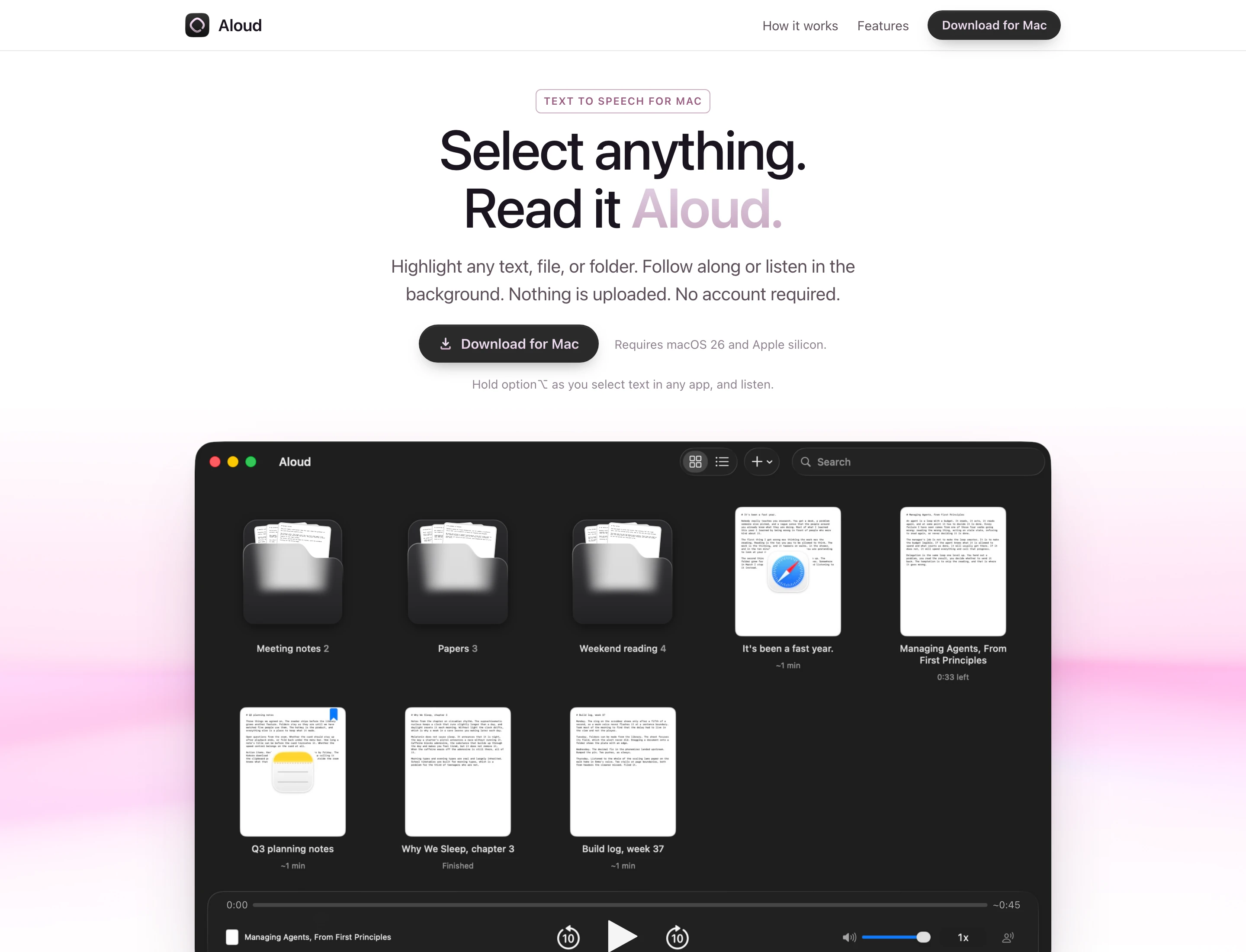
[02]- Point it at folders you already have. It reads Markdown, plain text and PDFs in place and never copies them, so an Obsidian vault works as it stands.
- Or select text anywhere, in Safari, Mail, Slack, Preview or Obsidian, and press Option+Space.
- A small card drops down under the notch with the text's title, its length and a Play button, and it wears the icon of the app the text came from.
- Nothing is saved until you press Play. Then the text becomes a note that remembers the app and the page it came from.
- Text you have played before opens the note it already became, rather than a duplicate.
- Text a password manager marks as concealed is never read.
Text made for listening.
[03]- Markdown is read as prose: headings, lists, links and tables come out the way a person would say them, and code blocks can be skipped.
- PDFs are cleaned first: running headers, page numbers and hyphen breaks are removed before the voice sees them.
- Each sentence lights up as it is read, and so does the word. Click any sentence to jump to it.
- Every document remembers where you stopped, and is marked Finished at the end.
- Skipping back or forward 10 seconds always lands on the start of a sentence.
Text to speech voice model that runs locally.
[04]- Every voice already on the Mac can be previewed before you pick it, with seven recommended voices at the top.
- Seven Kokoro voices, neural voices Apple does not ship, are a one-time download of about 165 MB.
- Kokoro runs on the Mac's Neural Engine through Core ML, so the voice is made on the Mac and no text is sent to a server.
- Eleven speeds from 0.5x to 3x, and a change is heard on the sentence being read.
Listen anywhere.
[05]- It keeps reading after you close the window, with a player in the menu bar.
- The media keys, AirPods and the Now Playing card in Control Center work the way they do everywhere else on the Mac.
- It pauses when you unplug your headphones.
- No account, and your files are never uploaded.